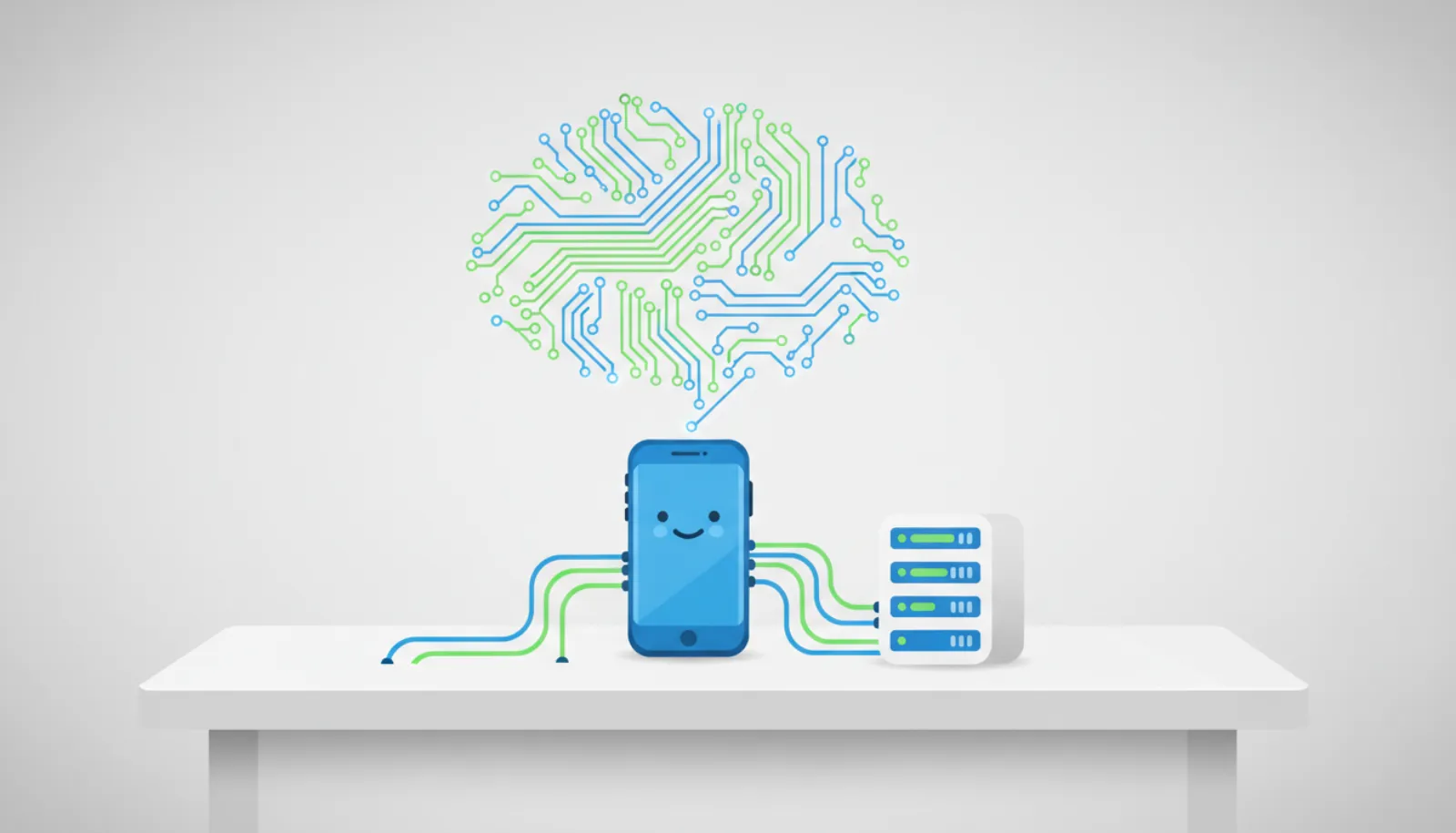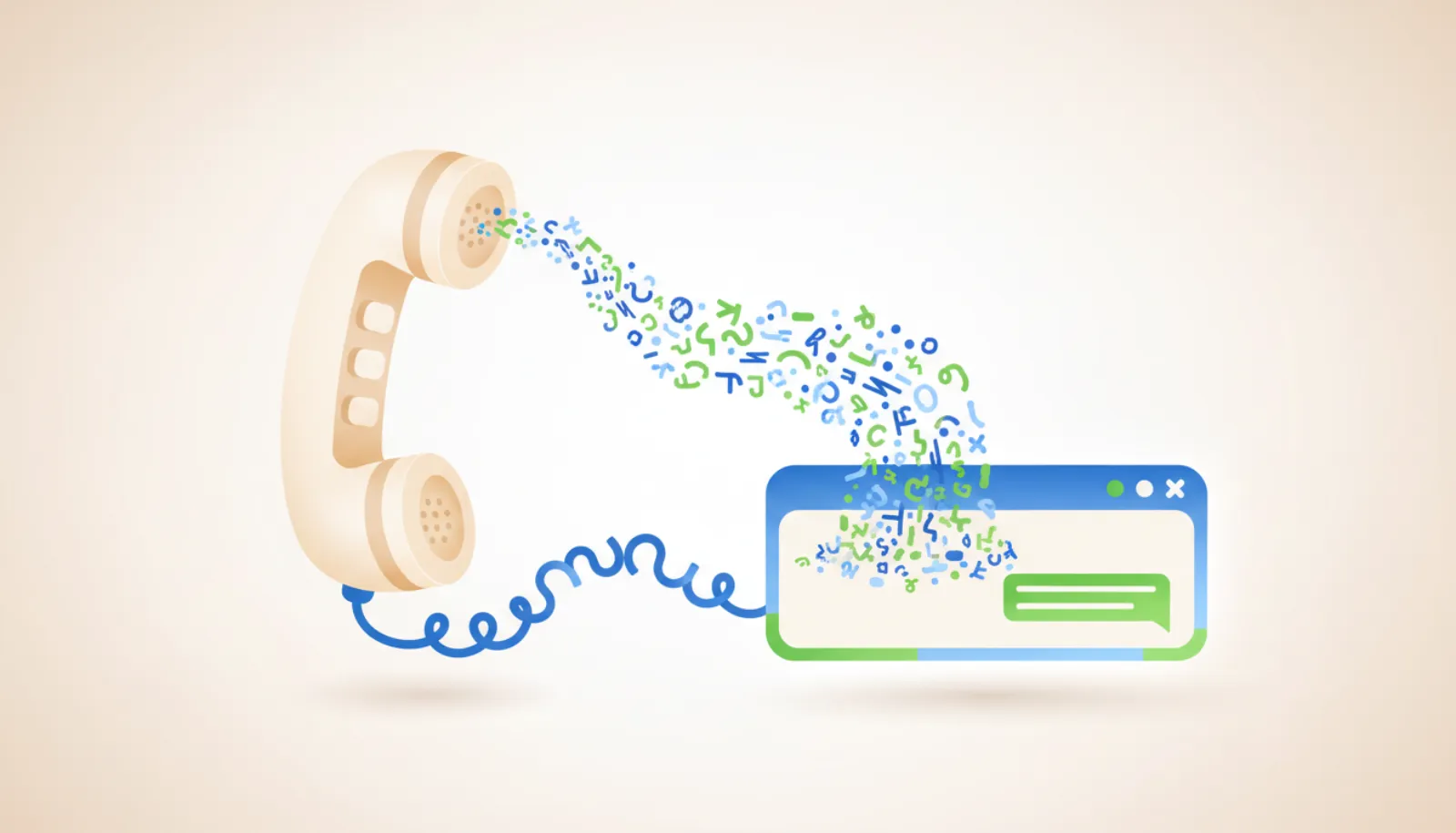
Twilio ConversationRelay is the piece that lets you put your own LLM on a phone line without building a speech pipeline. Twilio handles the call, speech-to-text and text-to-speech; your server only exchanges JSON text messages over a WebSocket. Despite the "text agents" in many searches, it is a voice product: SMS agents use Twilio Messaging instead.
This explainer is based on Twilio's TwiML reference and WebSocket message documentation as of November 2026.
What does ConversationRelay actually do?
On an incoming (or outgoing) call, your TwiML tells Twilio to connect the call to your WebSocket URL. From then on:
- Caller speaks
- Twilio speech-to-text
- Your WebSocket server + LLM
- Twilio text-to-speech
- Caller hears reply
Twilio sends you the caller's words as prompt messages. You stream back text tokens, and Twilio speaks them. You never touch audio. That is the main difference from Twilio Media Streams, where you receive raw audio and run speech recognition yourself.
How do you set it up?
- Buy a voice numberAny Twilio number with voice capability.
- Host a WebSocket serverIt must be reachable at a wss:// URL.
- Return TwiMLPoint the number's voice webhook at TwiML containing Connect and ConversationRelay.
- Handle messagesRead setup, prompt and interrupt messages; send text tokens back.
- Validate requestsCheck the X-Twilio-Signature header, as Twilio's docs require.
The minimal TwiML from Twilio's reference is:
<?xml version="1.0" encoding="UTF-8"?>
<Response>
  <Connect>
    <ConversationRelay url="wss://example.com/relay"
                       welcomeGreeting="Hi, this is Acme Dental. How can I help?" />
  </Connect>
</Response>
Useful optional attributes include language (default en-US), ttsProvider (Google, Amazon or ElevenLabs; ElevenLabs is the default), voice, transcriptionProvider (Google or Deepgram), interruptible (none, dtmf, speech or any) and dtmfDetection to receive keypresses.
Which WebSocket messages do you need to handle?
According to the WebSocket messages reference, these are the main ones:
| Direction | Type | Key fields | When |
|---|---|---|---|
| Twilio to app | setup |
callSid, from, to, customParameters |
Once, when the socket opens |
| Twilio to app | prompt |
voicePrompt, lang, last |
Each finished caller utterance |
| Twilio to app | interrupt |
utteranceUntilInterrupt, durationUntilInterruptMs |
Caller talks over the agent |
| Twilio to app | dtmf |
digit |
Keypress, if enabled |
| App to Twilio | text |
token, last, interruptible |
Speak this text |
| App to Twilio | play |
source |
Play an audio file |
| App to Twilio | end |
handoffData |
End the session, e.g. to transfer to a human |
Partial transcripts are off by default, so you only receive prompts with last: true unless you enable them. Twilio returns error 64107 for an invalid message and closes the connection after ten consecutive unidentified messages.
What does a minimal server look like?
This Node.js sketch uses the ws package. streamLLM stands in for your model provider's streaming API.
import { WebSocketServer } from "ws";

const wss = new WebSocketServer({ port: 8080 });

wss.on("connection", (socket) => {
  const history = [{ role: "system",
    content: "You are a phone receptionist. Keep answers under 2 sentences." }];

  socket.on("message", async (raw) => {
    const msg = JSON.parse(raw);

    if (msg.type === "setup") {
      console.log("Call from", msg.from, msg.callSid);
    }

    if (msg.type === "prompt") {
      history.push({ role: "user", content: msg.voicePrompt });
      let reply = "";
      for await (const chunk of streamLLM(history)) {
        reply += chunk;
        socket.send(JSON.stringify({ type: "text", token: chunk, last: false }));
      }
      socket.send(JSON.stringify({ type: "text", token: "", last: true }));
      history.push({ role: "assistant", content: reply });
    }

    if (msg.type === "interrupt") {
      // Keep only what the caller actually heard.
      const last = history[history.length - 1];
      if (last?.role === "assistant") last.content = msg.utteranceUntilInterrupt;
    }
  });
});
Streaming tokens as they arrive matters more on voice than on text. Callers notice a two-second silence; texters do not. Twilio's best practices page also recommends writing prompts for speech: no markdown, no bullet lists and numbers written the way they should be read aloud.
How much does it cost?
Twilio's conversational AI pricing page lists ConversationRelay at $0.07 per minute, on top of standard inbound or outbound voice minutes, as of November 2026. LLM tokens are billed by your model provider. A five-minute call therefore costs at least $0.35 in ConversationRelay fees before voice minutes and tokens.
Can the same agent also text people?
Not through ConversationRelay itself. The common pattern is to share the agent's logic and memory between two front doors:
- Voice: ConversationRelay WebSocket, as above.
- SMS: a Messaging webhook, as in our Twilio SMS agent tutorial.
A typical hybrid flow is "call, then confirm by text": the voice agent books an appointment and your code sends an SMS confirmation. If you do that, the text falls under SMS consent and carrier rules, so the number must be registered and the message must offer a way to opt out. See TCPA rules for AI texting; note also that the FCC ruled in February 2024 that AI-generated voices count as "artificial" voices under the TCPA, so outbound AI calls need prior consent.
Twilio's Agent Connect SDK, generally available since May 2026, is aimed at exactly this multichannel case, bundling memory across SMS, WhatsApp, RCS and voice. For how to structure state between channels, see SMS agent architecture. To give the agent tools such as a calendar, our MCP guide covers the options.
Who should use ConversationRelay?
Pros
- No audio processing code; you only handle text
- Works with any LLM you can call from your server
- Built-in interruption handling and choice of speech providers
Cons
- Voice only; texting needs a separate integration
- Per-minute fee adds up on long calls
- Latency depends on your model, so streaming is essential
It suits teams that want a phone agent on their own model and prompts without running speech infrastructure. If you only need SMS, skip it and start with Messaging.