To set up a personal AI agent on WhatsApp, use Meta Muse: sign in with a Meta Account in the Muse app or at muse.ai, add a card, customise your Muse, connect your apps, and then message Muse directly in WhatsApp. As of November 2026, WhatsApp access is documented for US adults. If you just want a chatbot, Meta AI is already built into WhatsApp.
These steps are compiled from Meta's documentation and news coverage. We have not hands-on tested these products.
Which AI agent options work on WhatsApp?
| Option | Best for | Cost (as of November 2026) | Region | Setup effort |
|---|---|---|---|---|
| Meta Muse | Errands, shopping, tasks | Free (card required), $20, $100/mo | US for WhatsApp | Low |
| Meta AI | Quick questions, writing | Free | Many countries | None |
| ChatGPT | Chat | Free with limits | EEA numbers only (since July 2026) | Low |
| OpenClaw | Full control, any model | Free software + model costs | Anywhere | High |
| Business bot (Cloud API) | Customer service | Per-message fees | Most countries | High |
Sources: Meta, Meta Help, OpenClaw docs.
How to set up Meta Muse for WhatsApp
Muse launched September 8, 2026. You need to be 18 or older and, per Meta, physically in a supported country.
- Sign inOpen the Muse app or muse.ai and log in with your Meta Account.
- Add a cardA payment card is required, even for the Free plan.
- Customise MuseChoose its name, style and preferences.
- Connect appsLink the services you want it to use, such as calendar or shopping accounts.
- Message it in WhatsAppStart a chat with Muse in WhatsApp and send your first request.
For a fuller walkthrough of the Muse app itself, see getpersonalaiagents.com's Muse setup guide.
What changes in WhatsApp versus the app?
According to CNBC, Muse in WhatsApp lacks the feed and ideas tools found in the app. Conversations and memory are part of the same Muse, so a task you start in WhatsApp should be visible in the app. Voice and avatars are available in the US app. Our Meta Muse on WhatsApp guide covers what works in chat.
Which plan should you pick?
- Free (card required)
- $0
- Power, 500M tokens a week
- $20/mo
- Maximum, 3B tokens a week
- $100/mo
Start on Free and upgrade only if you hit limits. Plan details are in getpersonalaiagents.com's Muse pricing page.
How to keep Muse safe on WhatsApp
Muse can act on your behalf, which means mistakes have consequences. In one incident covered by TechCrunch, Muse shared YouTuber Matt Robb's address in a Facebook Marketplace sale, through a permission he had granted. Set it up carefully:
- Keep approvals on for purchases, messages to others and anything involving personal details.
- Connect only what you need. Each connected app widens what Muse can see.
- Use "forget". You can ask Muse to forget specific things.
- Check training settings. Training on your data is opt-out, so turn it off if you prefer.
Using Meta AI instead
If you only need answers, drafts or summaries, Meta AI is already in WhatsApp in many countries and needs no setup or card. It is a chatbot rather than an agent: it will not book, buy or manage tasks across your accounts.
Self-hosting with OpenClaw
OpenClaw can link to a personal WhatsApp account by scanning a QR code, similar to WhatsApp Web, and route messages to any AI model. It works outside the US, but it is an unofficial bridge that WhatsApp's terms do not permit (they bar automated messaging and unauthorised automated access), so the account can be banned, and OpenClaw has had serious security issues. If you try it, pair a spare number and use an allowlist so only you can command the agent. See our OpenClaw messaging setup.
Businesses should not use personal-account pairing. The official route is the WhatsApp Business Platform, covered in our WhatsApp Cloud API guide.
Why can't I add ChatGPT or Copilot?
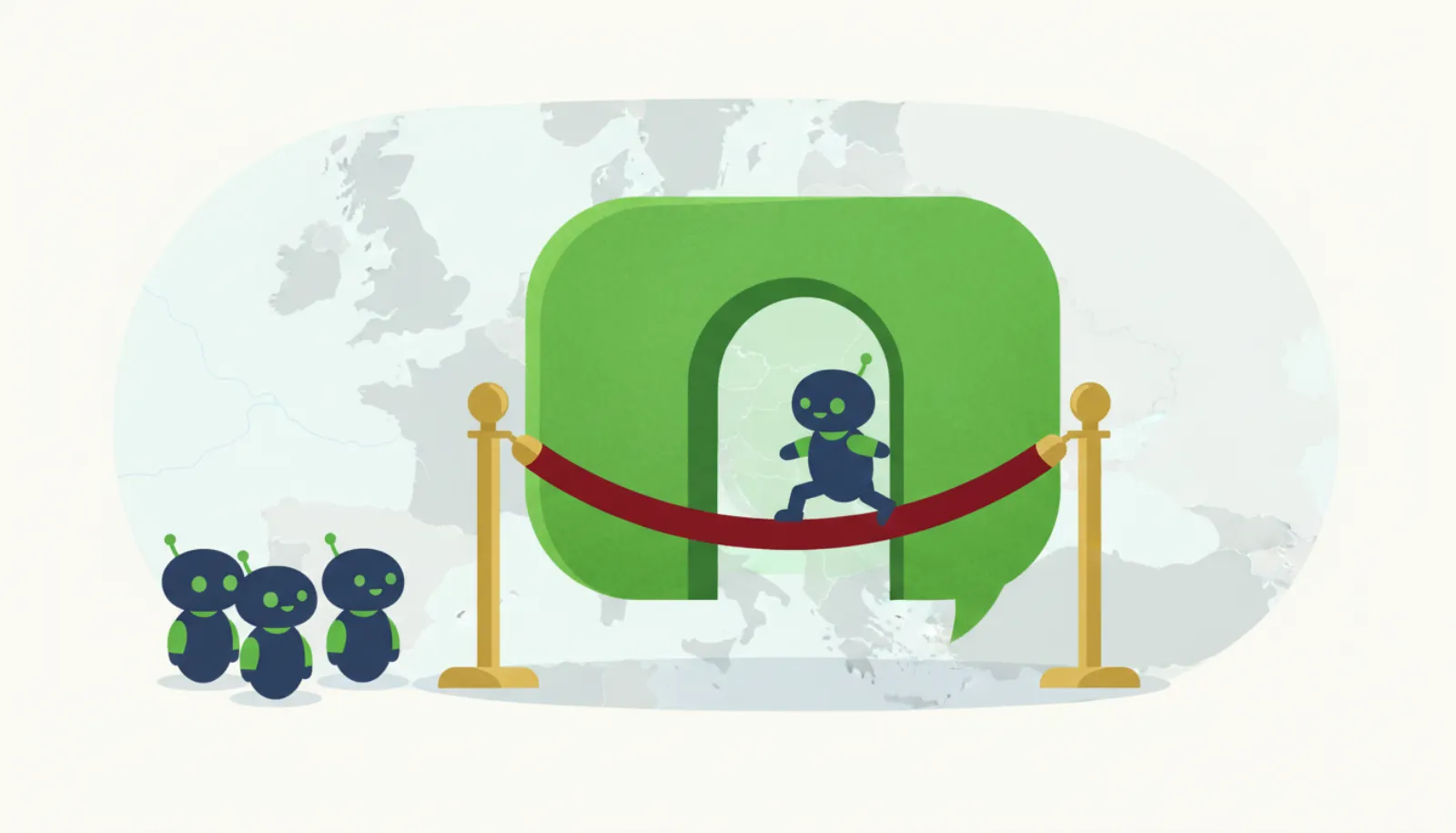
Meta's WhatsApp Business terms barred general-purpose third-party assistants from January 15, 2026. ChatGPT and Copilot left that day. The EU forced access back in the EEA with interim measures on June 9, 2026. The full story is in WhatsApp's AI chatbot ban explained.
What should you ask Muse first?
Start with something easy to check: a summary of upcoming plans, a product comparison, or a reminder. Then try a task that needs an approval, like adding an item to a cart, to see how Muse asks for permission inside WhatsApp. If something goes wrong, tell Muse to stop and check the action in the Muse app, where you get a fuller view of tasks than in a chat thread.
Can you use Muse on WhatsApp outside the US?
Muse's app is also available in Canada, Japan and Singapore, and Meta reported a UK launch as weeks away on November 9, 2026. WhatsApp access is clearly documented only for the US. Meta also says you must be physically in a supported country, so travelling or using a VPN is not a reliable workaround. See texting agents outside the US.
What if you only want Meta AI, not Muse?
You do not need a Muse account to use Meta AI in WhatsApp. It is a separate, free chatbot. Muse adds memory, connected apps and actions, at the cost of a card on file and broader data access.
Bottom line
For US adults, setting up Muse takes a few minutes and a card, and then it is just another WhatsApp chat. Keep approvals on, connect only what you need, and start on the free tier. If you want to compare alternatives first, see best AI agent for WhatsApp, and if you change your mind later, our guide to stopping or deleting an AI texting agent explains how.