You can build a WhatsApp AI agent directly on Meta's Cloud API with a webhook, one send endpoint and an LLM. The technical side is simpler than SMS: no carrier registration and messages up to 4,096 characters. The rules are stricter, though. Meta controls what kind of AI bot is allowed, when you can message people and what each message costs.
This guide is based on Meta's developer documentation and pricing page as of November 2026. It covers the policy check first, because it decides whether your project is allowed at all.
Is your AI agent allowed on WhatsApp?
Meta added an "AI providers" section to the WhatsApp Business Solution terms. It applied to new API users from October 15, 2025 and to all users from January 15, 2026. It bars bots whose primary function is a general-purpose AI assistant. Businesses using AI for their own customer support, bookings or order updates are not affected, according to respond.io's summary. OpenAI and Microsoft both withdrew their WhatsApp assistants on that date.
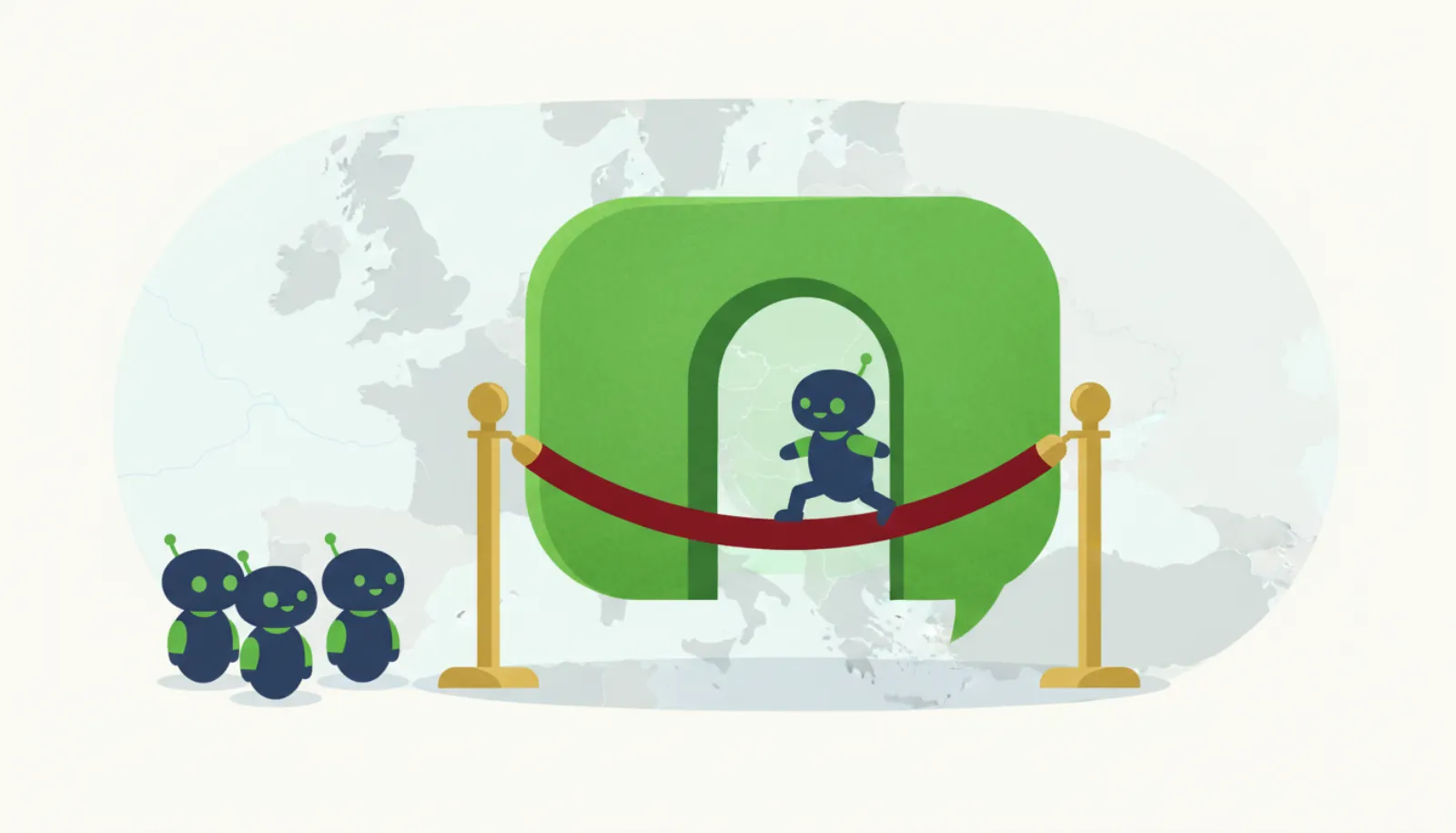
The EU is different. The European Commission imposed interim measures on June 9, 2026 requiring Meta to restore free access for rival AI chatbots, as AP reported. Meta said it would appeal. Our WhatsApp AI chatbot ban explainer tracks the details.
How does a WhatsApp Cloud API agent work?
- User's WhatsApp
- Meta Cloud API
- Your webhook
- LLM + business tools
- Graph API /messages
Meta POSTs a JSON payload to your webhook for every inbound message and status update. Your server extracts the sender's number and text, asks the LLM for a reply and sends it with a Graph API call. Unlike Twilio SMS, you do not reply in the webhook response itself; you acknowledge with HTTP 200 and send separately.
How do you set it up?
- Create a Meta app: Add the WhatsApp product in the Meta developer dashboard.
- Register a business number: Note its phone number ID and generate a system user token.
- Configure the webhook: Provide your HTTPS URL and verify token; subscribe to message events.
- Handle inbound messages: Parse the payload, check the window state and call your LLM.
- Submit templates: Get marketing or utility templates approved for messages outside the 24-hour window.
What does the code look like?
A minimal Python sketch using Flask and requests. Error handling and payload signature checking (Meta signs webhook payloads with your app secret in the X-Hub-Signature-256 header) are trimmed for space; do not skip the signature check in production.
import os, requests
from flask import Flask, request

app = Flask(__name__)
TOKEN = os.environ["WA_TOKEN"]
PHONE_ID = os.environ["WA_PHONE_NUMBER_ID"]
VERIFY = os.environ["WA_VERIFY_TOKEN"]

@app.get("/whatsapp")
def verify():
    if request.args.get("hub.verify_token") == VERIFY:
        return request.args.get("hub.challenge", "")
    return "forbidden", 403

@app.post("/whatsapp")
def inbound():
    data = request.get_json()
    for entry in data.get("entry", []):
        for change in entry.get("changes", []):
            for msg in change["value"].get("messages", []):
                if msg.get("type") != "text":
                    continue
                reply = call_llm(user=msg["from"], text=msg["text"]["body"])
                send_text(msg["from"], reply)
    return "ok", 200

def send_text(to, body):
    requests.post(
        f"https://graph.facebook.com/v27.0/{PHONE_ID}/messages",
        headers={"Authorization": f"Bearer {TOKEN}"},
        json={"messaging_product": "whatsapp", "to": to,
              "type": "text", "text": {"body": body[:4096]}},
        timeout=10,
    )
The endpoint shape and body follow Meta's text messages reference, which uses v27.0 in its example. Check the current Graph API version when you build. In production, push the LLM call to a queue and return 200 immediately; Meta retries webhooks that do not get a timely response, which can cause duplicate replies.
How does the 24-hour window work?
Meta's pricing documentation explains the customer service window: when a user messages or calls you, a 24-hour timer starts, and each new user message resets it.
| Situation | What you can send |
|---|---|
| Inside 24 hours of the user's last message | Free-form replies (text, images, etc.) and templates |
| Outside the window | Approved template messages only |
| User never messaged you | Templates only, and only to users who opted in |
For an AI agent, this means long-running tasks need care. If your agent promises "I'll get back to you tomorrow", the follow-up must be a pre-approved utility template, not an LLM-generated message. Store the timestamp of each user's last inbound message and check it before sending.
What does it cost as of November 2026?
WhatsApp pricing changed twice in two years:
- Meta makes service (user-initiated) conversations free
- Per-message pricing replaces per-conversation pricing for templates
- General-purpose AI assistant ban applies to all API users
- Meta resumes charging for service messages above a free tier
Under the current rules on Meta's pricing page, businesses are charged only for delivered messages, and messages from users are free. Marketing, utility and authentication templates are charged by recipient country. Each business phone number gets 1,000 free service messages per month, after which service messages are charged per message. AI providers follow a separate pricing policy. Our WhatsApp AI agent for business guide compares managed platforms if you would rather not run this yourself.
What security risks are specific to WhatsApp agents?
Every inbound WhatsApp message is untrusted input. In April 2025, Invariant Labs showed that a single crafted message could make an AI agent connected to a WhatsApp MCP server leak the user's contact list to an attacker's number. That attack targeted a personal-account setup, but the lesson applies to business bots too: never give the model tools that can send data to arbitrary numbers. See prompt injection through text messages.
Pros
- No carrier registration; long messages and rich media
- Very large user base outside the US
- User-initiated replies are cheap or free up to 1,000 per month per number
Cons
- General-purpose AI assistants banned outside the EEA
- Free-form messages only inside the 24-hour window
- Pricing rules change often and vary by country
Bottom line
The Cloud API is a good home for an AI agent that serves your own customers: support, bookings, order updates. Build the webhook, track the 24-hour window, get templates approved early and keep the bot scoped to your business. If you are planning a general-purpose assistant, WhatsApp is effectively closed to you outside the EEA; consider SMS, iMessage or Telegram instead, as covered in our SMS agent architecture guide.