The best things to text an AI agent are short, specific tasks you would otherwise jot on a sticky note or squeeze into a busy day: reminders, calendar summaries, inbox triage, quick research, price checks and trip planning. Start with requests that only read information, then add actions like booking or buying once you trust it, with approvals on.
These ideas are based on what major agents document they can do. We have not hands-on tested these products, and what works depends on which agent you use and which apps you connect.
How should you text an AI agent?
- Lead with the outcomeSay what you want done, not how to do it.
- Add constraintsInclude dates, budgets, names and deadlines.
- Ask for a check-inRequest a summary or approval before it acts.
- Correct quicklyReply with a fix if it misunderstands.
A good text looks like: "Find a table for two near the office Friday at 7, under $80 a head, and send me three options before booking." A vague one looks like: "Dinner Friday?"
Reminders and to-dos
- "Remind me at 6pm to call the pharmacy." The classic. Agents that can message you first, like OpenAI dots, will text you back at the right time.
- "Every Sunday at 8pm, text me my week ahead." A recurring briefing from your calendar.
- "Add milk, eggs and coffee to my shopping list." Works if your agent is connected to a notes or list app.
- "What did I say I'd do this week?" Useful if the agent has memory of past chats.
More in AI texting agents for reminders and to-dos.
Calendar and email
- "What's on my calendar tomorrow, and is there anything I need to prep?"
- "Find 30 minutes with Sam next week and draft an invite." Ask for a draft first.
- "Summarise unread emails from today. Flag anything urgent."
- "Draft a polite reply to the landlord saying Thursday works." Review before sending.
- "Unsubscribe me from newsletters I haven't opened in three months." Approve the list first.
For agents that handle email and calendar well, see getpersonalaiagents.com's email and calendar comparison.
Research and answers
- "Compare the three cheapest flights to Denver on March 14."
- "What's the return policy at this store?" Send a photo of the receipt if your agent accepts images.
- "Explain this letter in plain English." Photograph a bill or notice; dots accepts photos by text.
- "Find a plumber near me with good reviews who works Saturdays."
- "What time does the pharmacy on Main Street close today?"
Shopping and money
- "Track the price of these headphones and text me if they drop below $150."
- "Reorder the dog food I bought last month." Only with an approval step.
- "Find a birthday gift for my sister under $50. She likes hiking."
- "Did I get charged twice by the gym this month?" Only if you have connected the right account and trust the agent with it.
Travel and plans
- "Plan a Saturday in Chicago with a museum, lunch and a walk, nothing too far apart."
- "Check me in for my flight tomorrow and send the boarding pass."
- "What should I pack for three days in Seattle next week?"
- "Book a table for four at 7pm Friday. Send me options first."
Life admin
- "Remind me when my car registration is due and what I need."
- "Draft a cancellation email for my streaming service."
- "Here's a voice note of what I need done today. Turn it into a list." Voice messages work over dots texting; see voice notes to AI agents.
What agents can and can't do by text
| Capability (as of November 2026) | OpenAI dots (text) | Meta Muse (WhatsApp) | Claude Duet (app) |
|---|---|---|---|
| Text you first | Yes | Unconfirmed in WhatsApp | Yes (in app) |
| Accept photos | Yes | Unconfirmed | In app |
| Accept voice | Yes | Unconfirmed | Recordings (transcribed) |
| Group chats | No | Unconfirmed | No |
| Text other people for you | No | Via connected apps, with approval | No |
Sources: learn.chatgpt.com, Meta, Claude Help.
How to stay safe
Pros
- Read-only tasks (summaries, research) are low risk
- Drafts let you review before anything is sent
Cons
- Purchases and messages to others need approvals
- Agents can make mistakes with personal details
- Fake "agent" texts are a common scam pattern
Keep approvals on for anything that sends messages, spends money or deletes data. getpersonalaiagents.com compares approval rules across agents. If you want an agent to reply to people for you, read can an AI reply to my texts for me? first.
Which agent is best for these tasks?
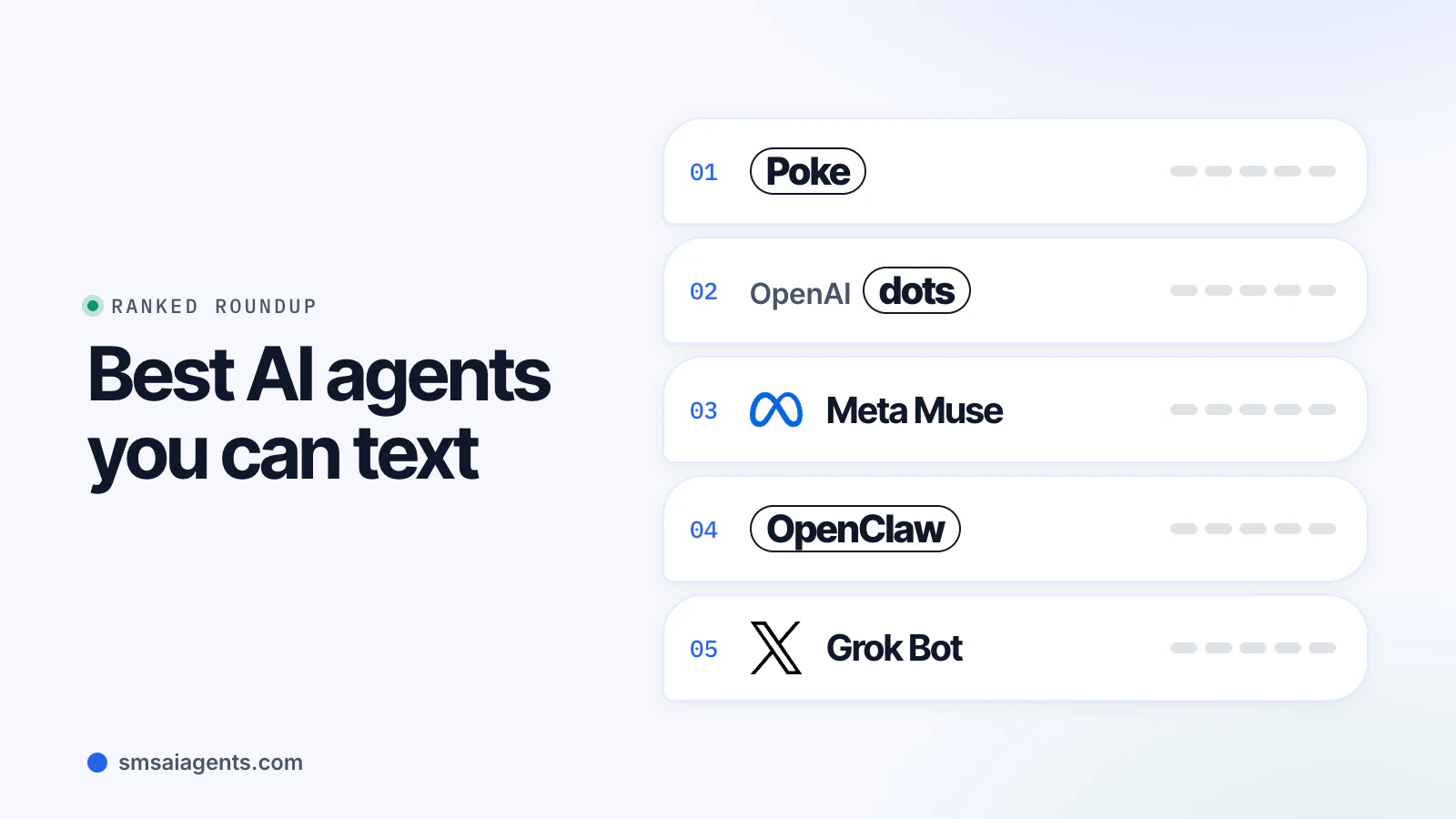
Most of the list works with any capable agent once you connect the right apps. Dots is strongest for errands that need a browser, since each dot has its own cloud computer. Muse suits shopping-heavy requests and anyone who lives in WhatsApp. Duet suits people who want proactive nudges but are happy to stay in an app. Poke covers plain SMS. Our best AI agents you can text compares them side by side.
Can you text the same agent from different apps?
With dots, memory carries across channels, so a task you start by text can continue in ChatGPT, Slack or a call. Muse keeps one memory across its app, web and WhatsApp. That continuity is useful, but it also means anything you text becomes part of a wider profile.
Bottom line
Text your AI agent the way you would brief a capable assistant: clear outcome, key constraints, and a check-in before it acts. Start with reminders and summaries, graduate to bookings with approvals, and keep sensitive details out of your texts. If you have not picked an agent yet, start with our best AI agents you can text or set one up in iMessage.